Adarsh
I build software tools.
Rust systems, developer infrastructure, and products that turn messy workflows into something usable.
Built
Writing
↓Engineering notes, debugging stories, and things learned while building.→Elsewhere
Writing
Notes
Engineering notes, debugging stories, and things learned while building.
- July 2026This site is one big canvasPages are places. Navigation should feel like moving, not replacing.→
- May 2026The gears were flying everywhereA debugging story about Blender exports and hidden pivot points.→
More writing
Built · 01
OSSPath
Understand the Rust ecosystem through real-world usage.
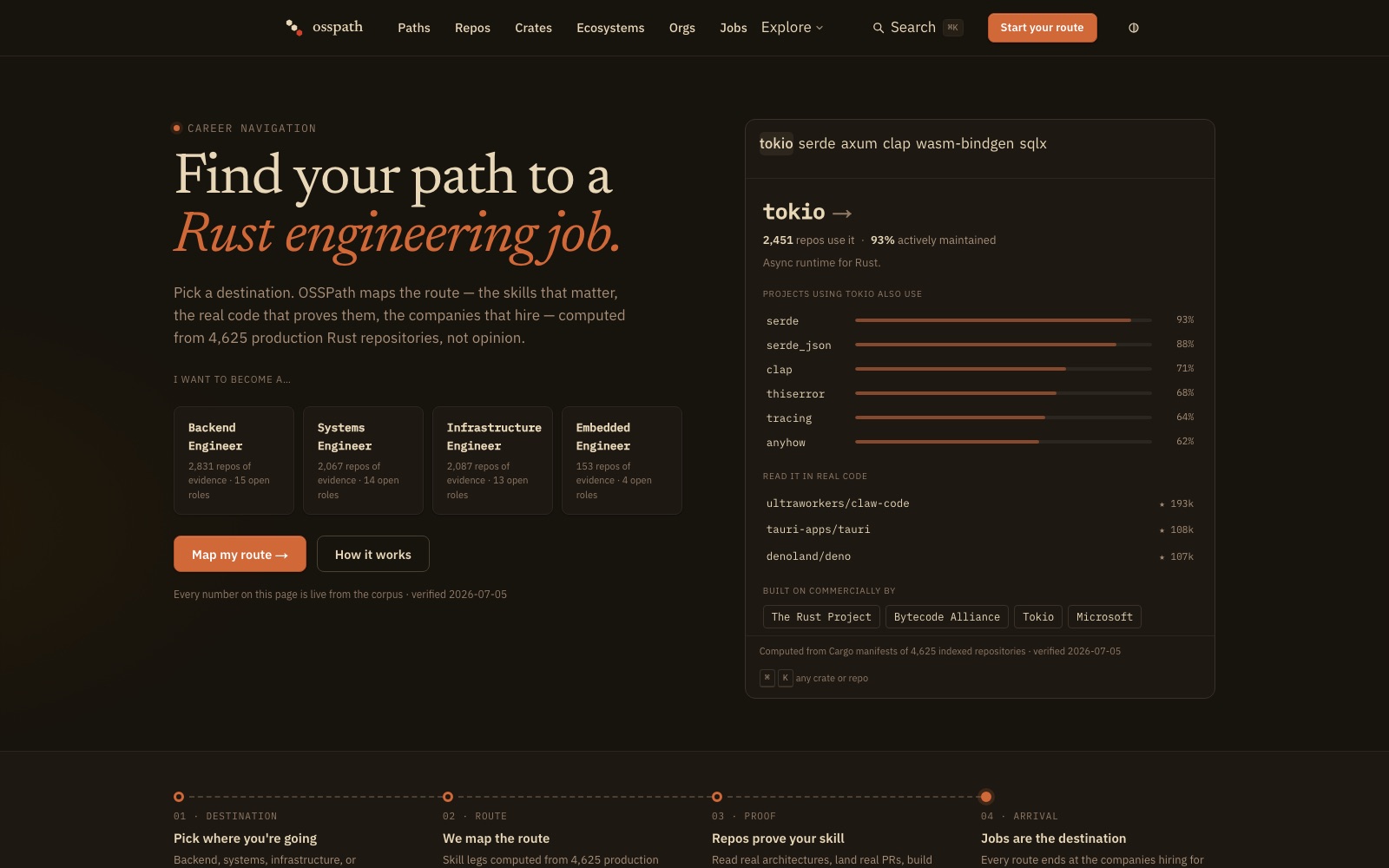
Documentation tells you what a crate claims to do. OSSPath starts from the other end: what real projects actually depend on, and how those dependencies connect.
The corpus is alive — every Rust repository that crosses twenty stars gets pulled in on the weekly scan, 4,600+ of them today and growing. Together they form a dependency graph that shows which crates carry the ecosystem, what they are used with, and where a new project should look first.
- 4,600+
- repositories mapped
- weekly
- corpus rescans
Built · 02
Romyq
A manager for AI coding agents.
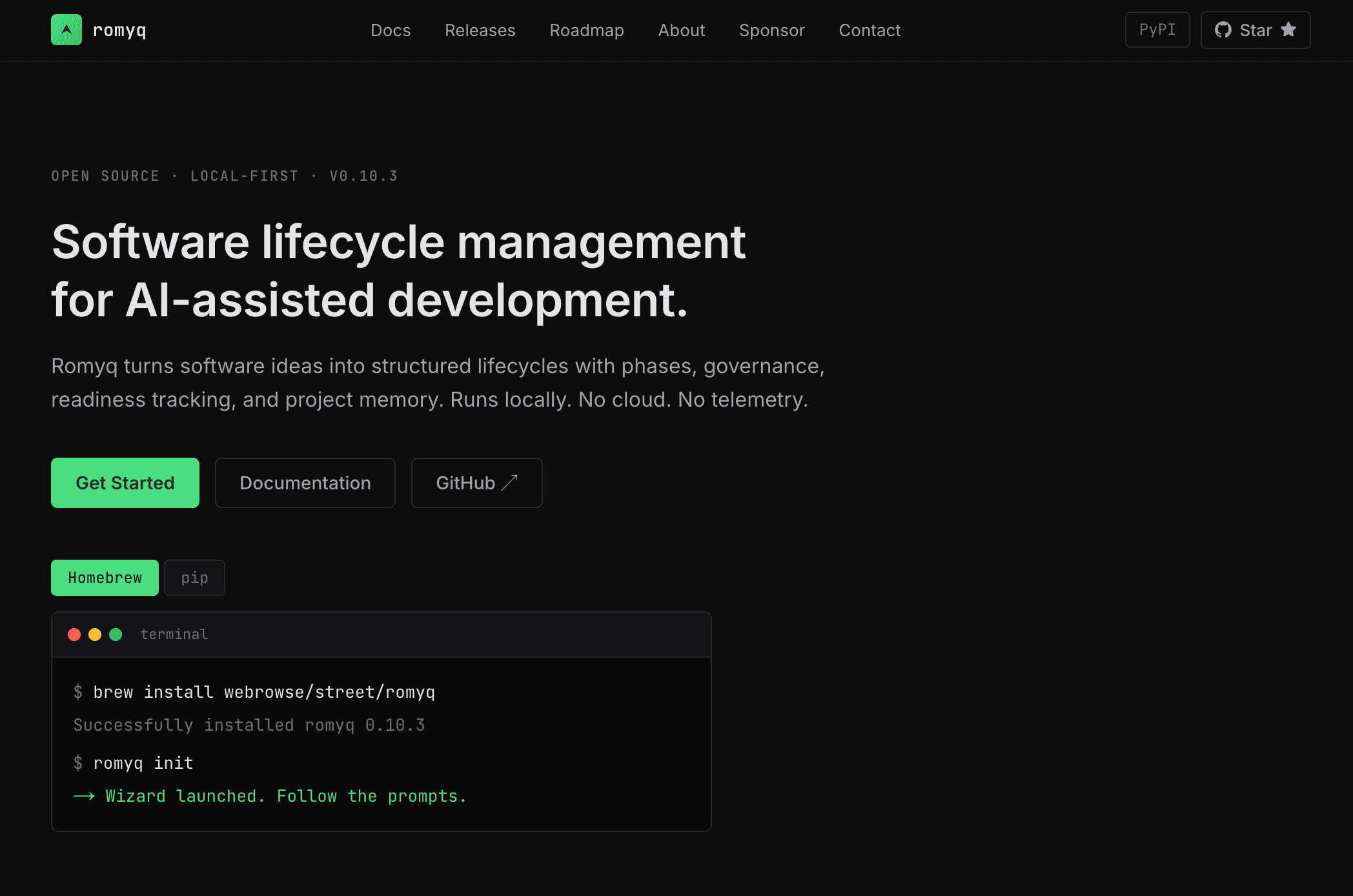
Coding agents are good at minutes of work and unreliable over hours. Left alone on a long task, they drift — losing the plan, skipping validation, declaring victory early.
Romyq turns software ideas into structured lifecycles — phases, governance, readiness tracking, and project memory — so a session that runs all afternoon still lands where it was aimed. Open source and local-first: no cloud, no telemetry.
Built · 03
LoopUpward
A personal operating system.
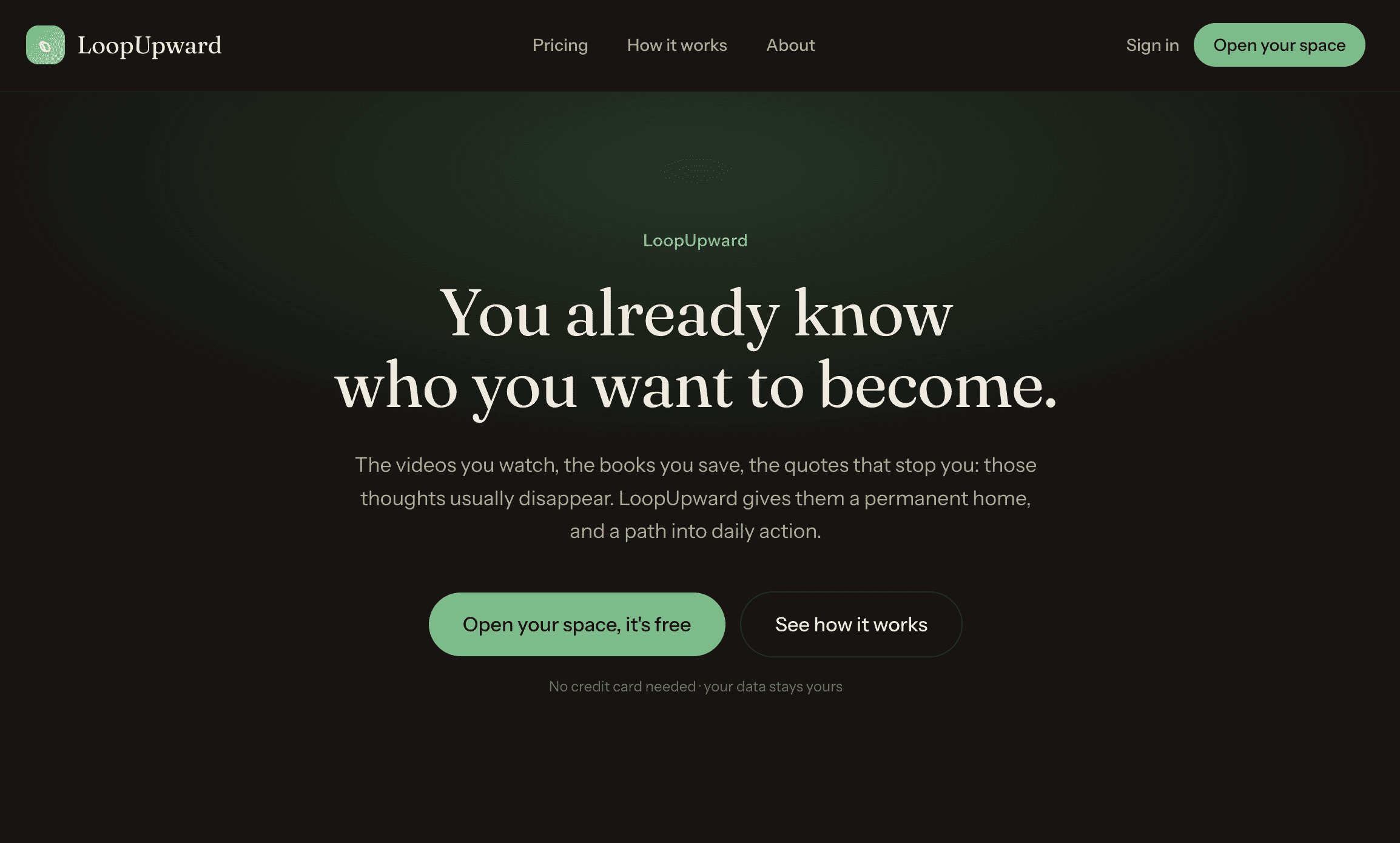
The videos you watch, the books you save, the quotes that stop you — those thoughts usually disappear. LoopUpward gives them a permanent home, and a path into daily action.
Thoughts, goals, habits, and reflections live in one place and one loop: capture what happened, reflect on it, adjust the goals, repeat. Less a productivity tool, more a flywheel with a text box.
Built · 04
Feature Flag Service
Ship faster. Break nothing.
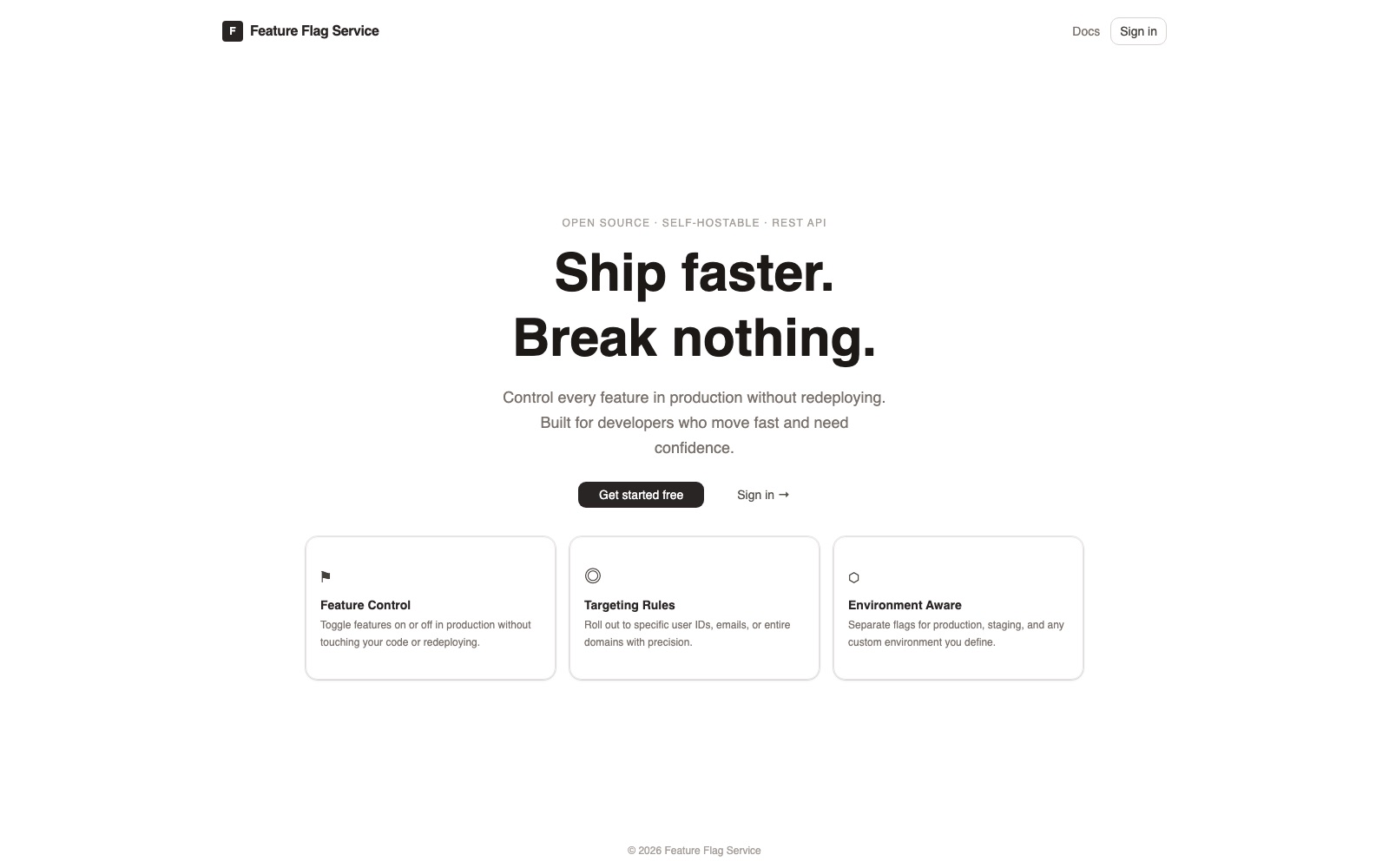
Feature flags decouple deploying code from releasing it — toggle features in production without touching code or redeploying.
FFS is a multi-tenant flag service on a Rust backend: targeting rules that roll out to specific user IDs, emails, or entire domains; environment-aware flags for production, staging, or anything custom; all behind SDK keys and a REST API. Open source and self-hostable.
July 2026
This site is one big canvas
Every page of this site exists at the same time, on one plane. The projects sit to the right of the front page; these notes sit below it; the note you are reading sits to the right of the notes index. Clicking a link doesn’t swap the page — it moves the camera.
The mechanics are almost embarrassingly small. Each panel is absolutely positioned at a grid coordinate, the plane carries a single translate3d, and one long weighted easing curve does all of the acting. The URL hash tracks the coordinate, so the browser’s back button plays the same move in reverse.
The previous version of this site rendered spinning WebGL gears with physically matched rim velocities. It was fun to build and heavy to load. This version ships no 3D, no scroll library, no runtime service calls — just a sheet of paper and a camera. It turns out restraint is the harder trick.
May 2026
The gears were flying everywhere
The old version of this site had columns of 3D gears that spun as you scrolled. The first time I wired up the rotation, the gears didn’t spin — they orbited, sweeping huge circles across the viewport like they’d been thrown.
The rotation code was three lines and obviously correct, which is how you know the bug is somewhere else. It was in the assets: the GLB files exported from Blender carried residual transforms on their root nodes — a translation and rotation baked into the scene graph. Rotating the group rotated the mesh around that offset pivot, not its own axis.
The fix was to walk the cloned scene graph and zero out every node’s position, rotation, and scale before use — safe because the mesh vertices were already centered on the origin. Three lines of traversal, half a day of staring. The lesson generalizes: when trivially correct code misbehaves, stop rereading the code and start interrogating the data it was handed.